Team Member Application Guide
This guide walks you through the team member application process. You must be logged in to submit a team application. The process includes the application form, liability waiver, and payment — similar to the candidate process.
Step 1: Fill Out the Application
Navigate to the Team Member Application page. The form includes the following sections:

Weekend & Role
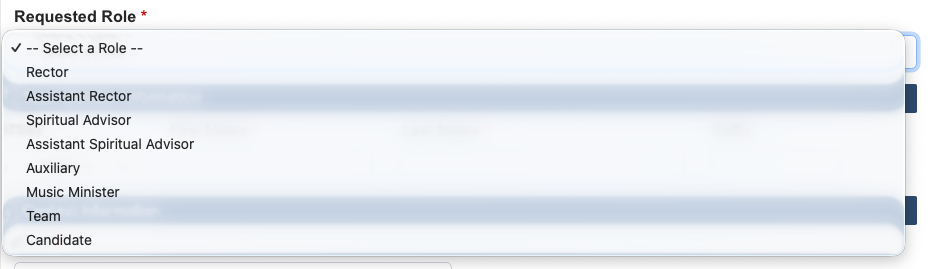
Select the Cursillo weekend and your assigned role from the dropdown.
Personal Information
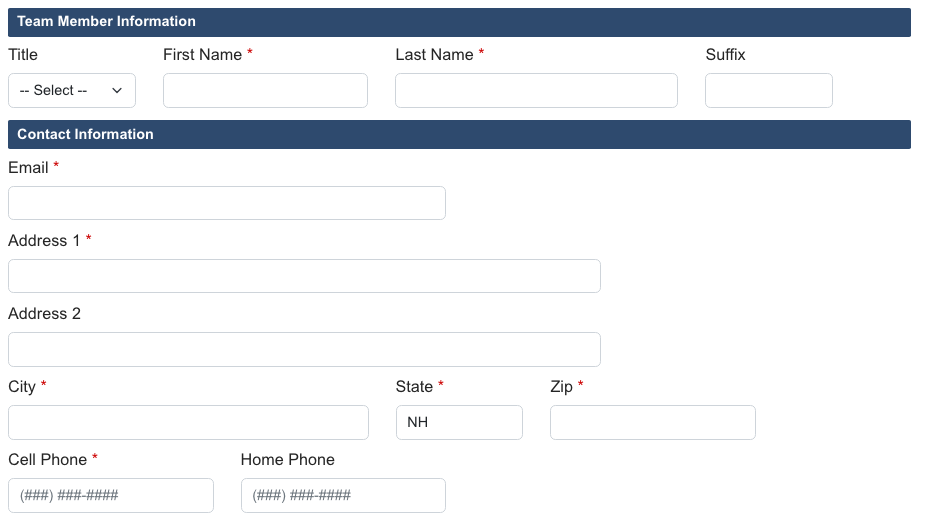
Enter your name, email, address, and phone numbers, along with your age and occupation.
Emergency Contact
Provide an emergency contact name, relationship, and phone number.

Parish
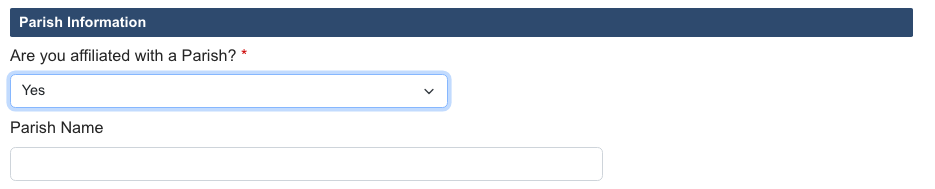
Enter your parish name and confirm your affiliation.
Cursillo Experience
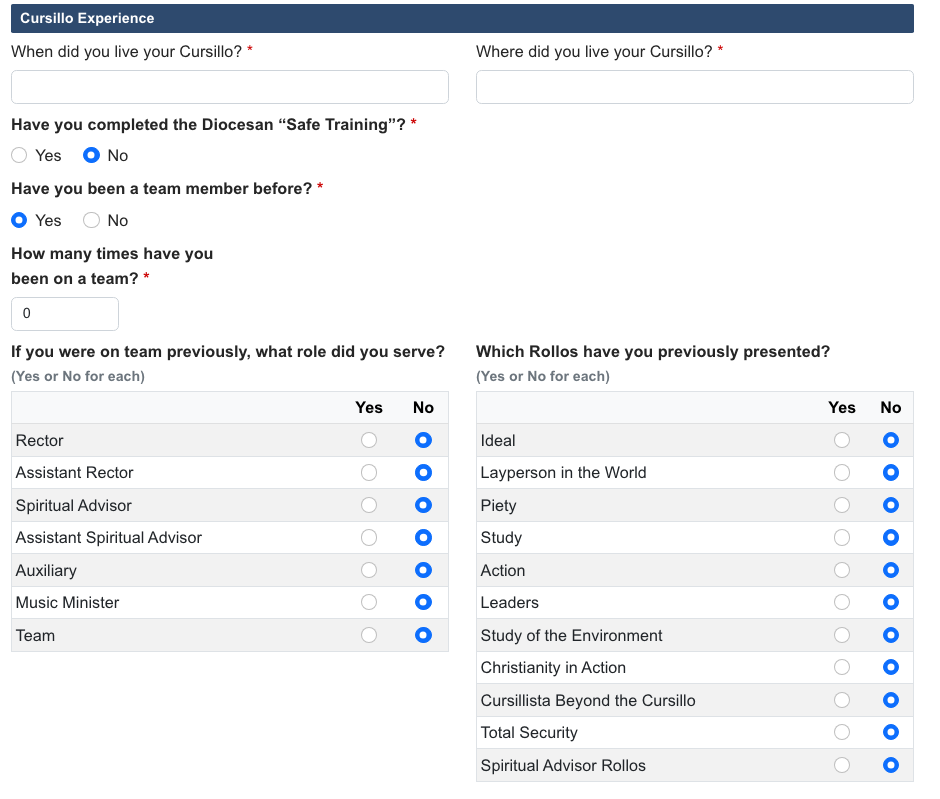
Provide details about your prior Cursillo involvement:
- When and where you lived your Cursillo
- Number of times you have served on team
- Previous roles you have held on team
- Previous rollos you have given
- Whether you have completed SAFE training
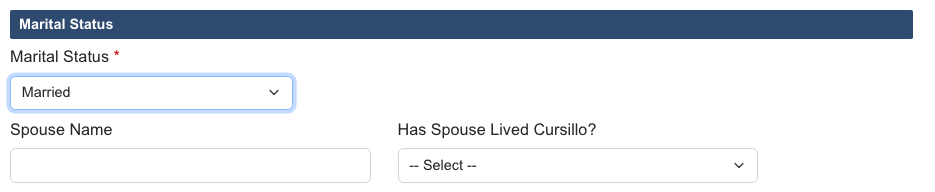
Marital Information
Select your marital status. If married, provide your spouse's name and whether they have lived a Cursillo.
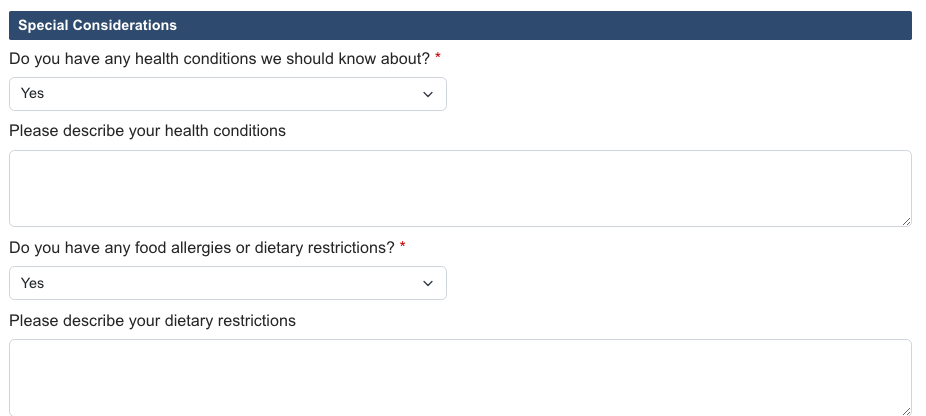
Special Considerations
Let us know about any health conditions, special needs, food allergies, or dietary restrictions so we can accommodate you during the weekend.
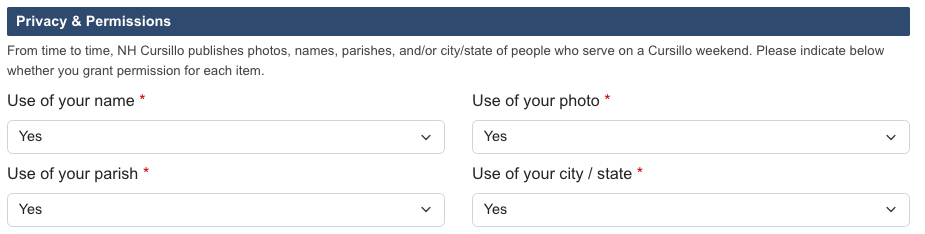
Privacy Permissions
Indicate whether you give permission to use your name, photo, parish, and city/state in Cursillo communications.
Signature & Submit
Type your name as your electronic signature, confirm the date, and click Save.

Step 2: Liability Waiver
After submitting, you'll see the liability waiver page. Review the embedded PDF, then type your name and click Accept or Decline.
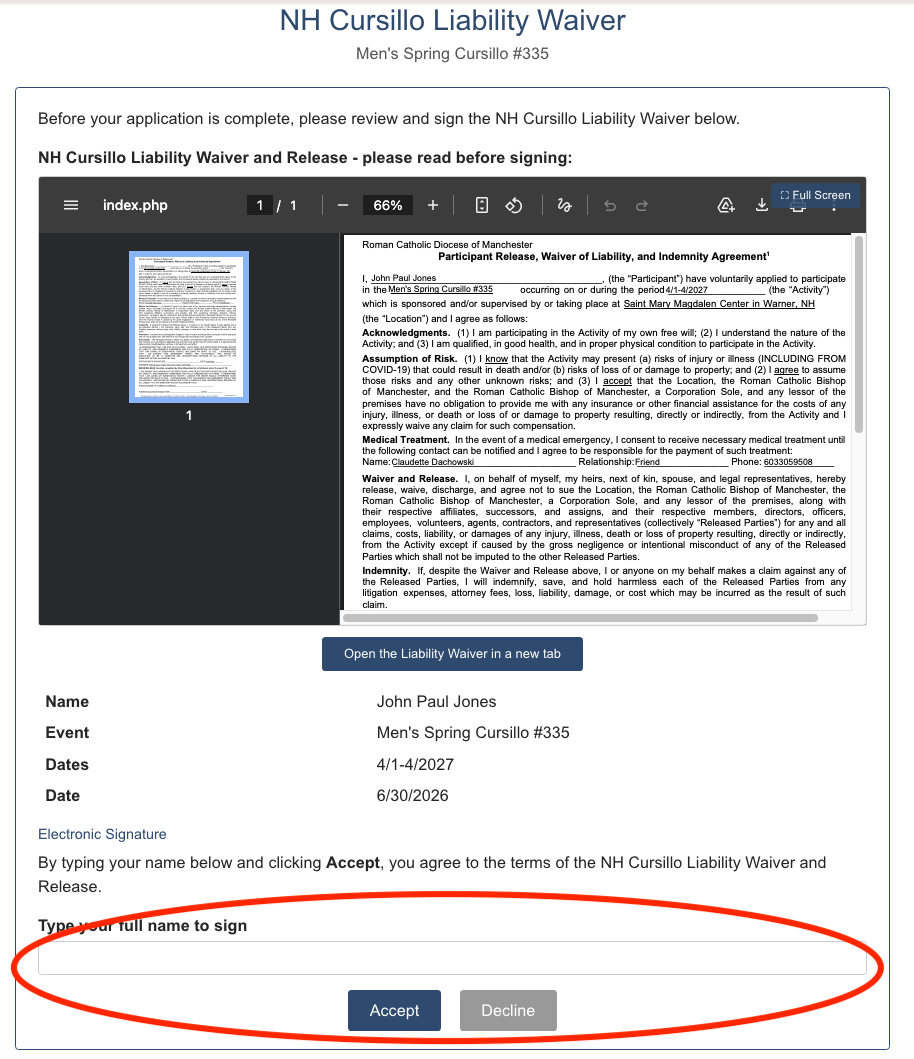
A signed copy of the waiver will be emailed to you and to the Pre-Cursillo Coordinator.
Step 3: Payment
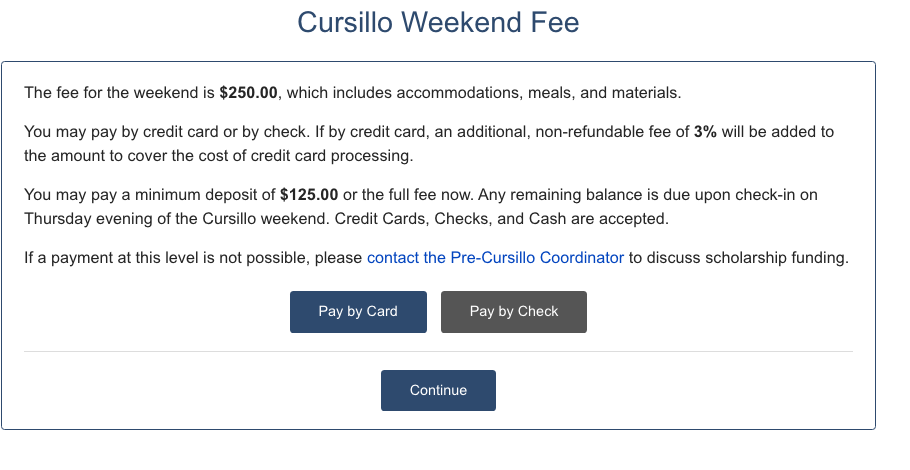
The payment page offers three options: Pay by Card, Pay by eCheck, or Pay by Mailed Check. Credit card and eCheck payments include a non-refundable processing fee that is separate from the weekend fee. See the Candidate Guide — Step 3 for a full description of each option. Spiritual Advisors and Assistant Spiritual Advisors are exempt from the fee entirely.
Step 4: Confirmation
You'll see a thank-you page confirming your application has been received.

Common Questions
Do I need to log in?
Yes. Team member applications require a login. Contact the Secretariat if you don't have an account.
Is the fee the same as for candidates?
Yes, except for Spiritual Advisors and Assistant Spiritual Advisors, whose fee is waived.
Can I edit my application after submitting?
Yes. Logged-in team members can access the edit form from the Team Members list view.