Sponsor Application Guide
As a sponsor, you play a vital role in the Cursillo experience. This guide walks you through submitting your Sponsor Application. The form takes about 5–10 minutes and no login is required.
Before You Begin
- You must be an existing Cursillista to sponsor a candidate
- Have your candidate's first and last name ready
- Your candidate should also submit a separate Candidate Application
- If you have a co-sponsor, have their contact information ready
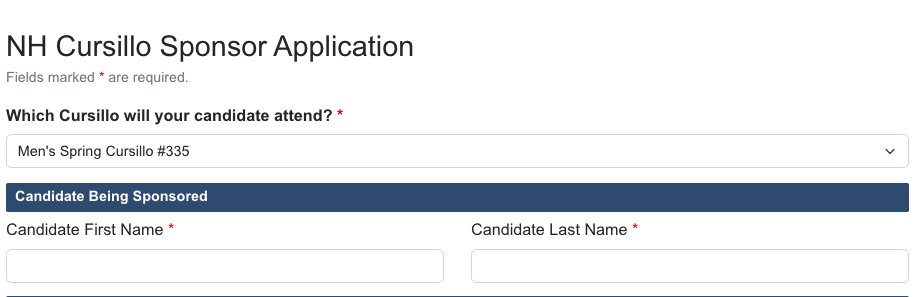
Step 1: Select the Weekend & Candidate
Choose which Cursillo weekend your candidate will attend, and enter their first and last name.
Step 2: Your Sponsor Information
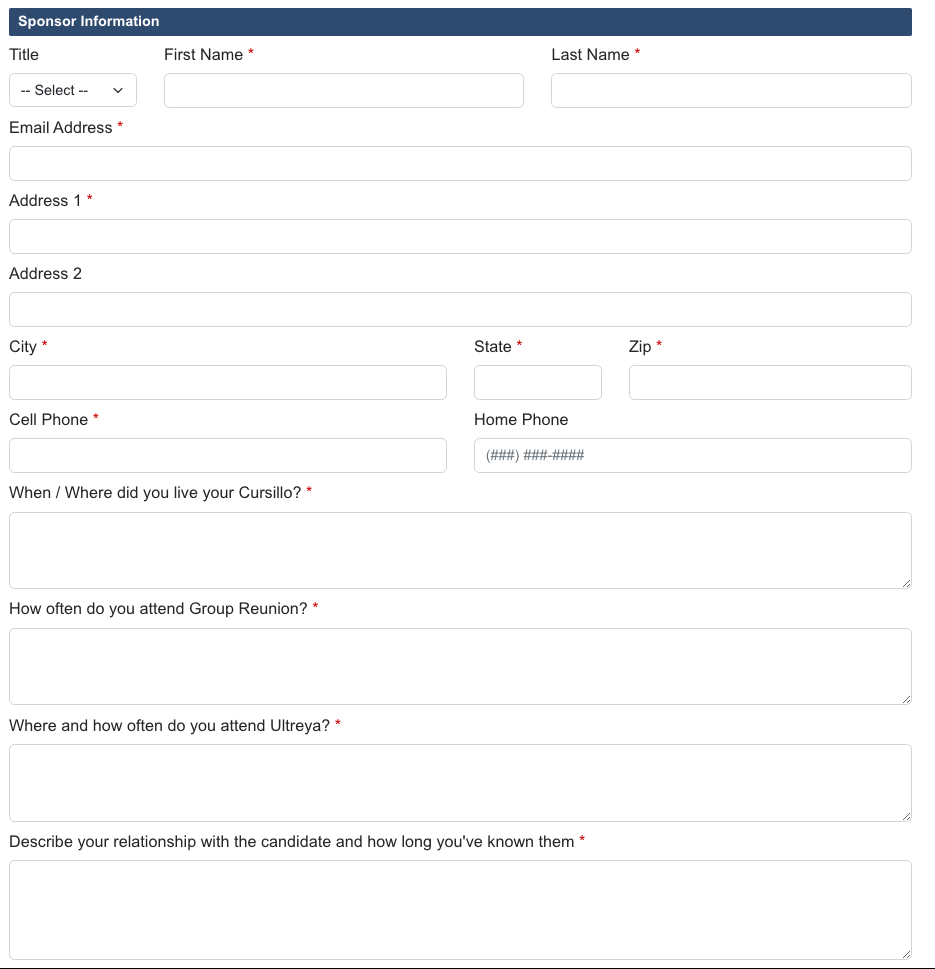
Fill in your contact details as the sponsor:
- Title, First Name, Last Name
- Email and phone numbers
- Mailing address
- Where and when you lived your Cursillo
- Ultreya and Group Reunion participation
- Your relationship to the candidate
Step 3: Co-Sponsor Information (Optional)
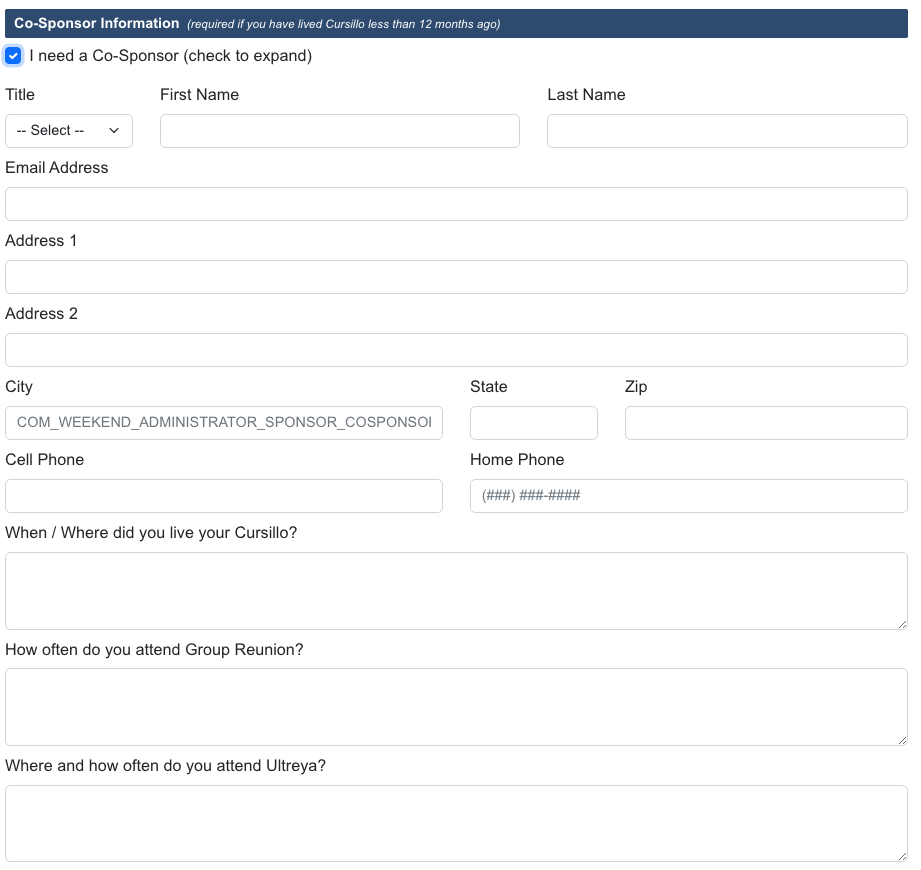
If another Cursillista is co-sponsoring the candidate, provide their contact information in this section. This section is optional.
Step 4: Sponsorship Questions
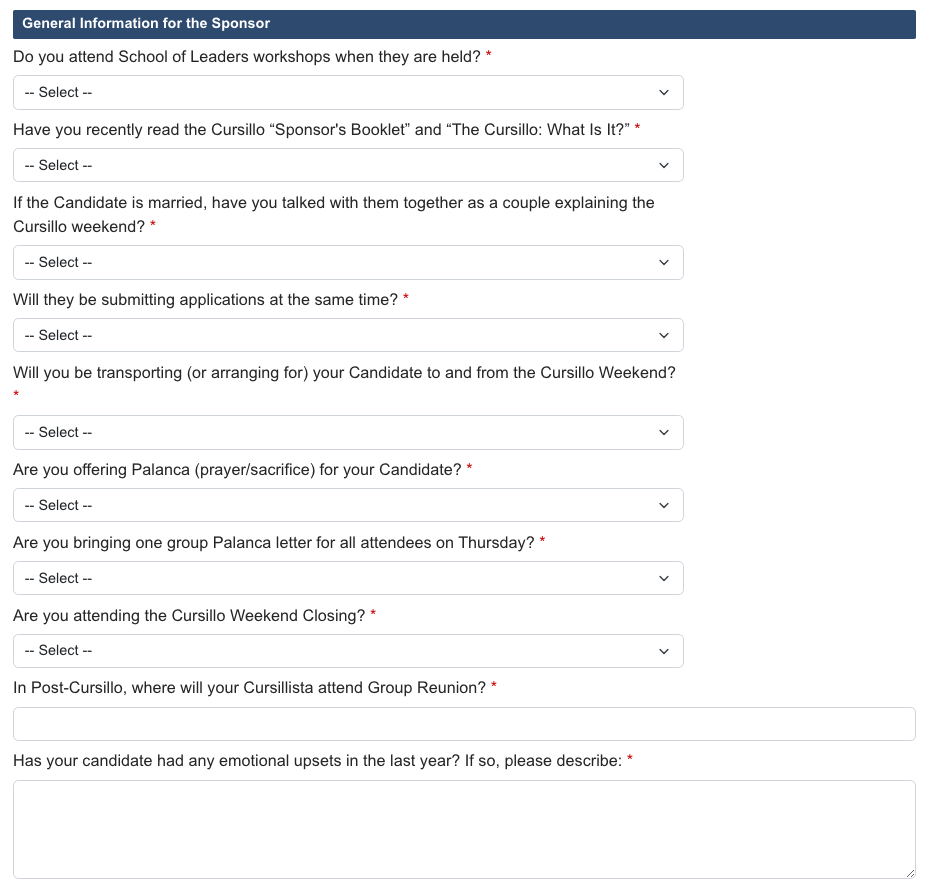
Answer the sponsorship confirmation questions. These help the Secretariat understand your commitment as a sponsor:
- Have you read the Sponsor Booklet?
- Have you read the Sponsor Guidelines?
- Will you provide transportation?
- Will you attend closing?
- Will you support post-Cursillo activities?
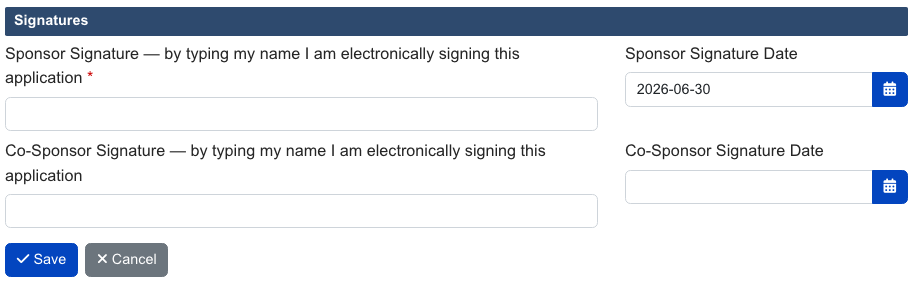
Step 5: Signature & Submit
Type your name as your electronic signature, confirm the date, and click Save.
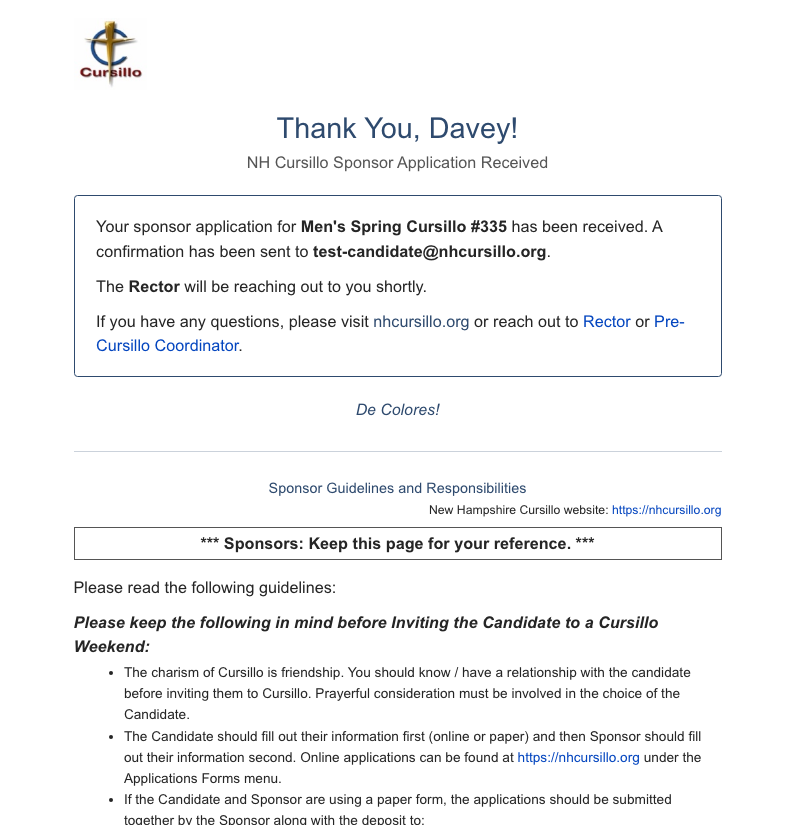
After submitting, you'll see a confirmation page. A notification email is also sent to the Secretariat.
Common Questions
Does my candidate need to apply separately?
Yes. The candidate must submit their own Candidate Application. You can each submit in any order.
Can I sponsor more than one candidate?
Yes. Submit a separate Sponsor Application for each candidate.
Do I need to log in?
No. The sponsor application is public and does not require a login.